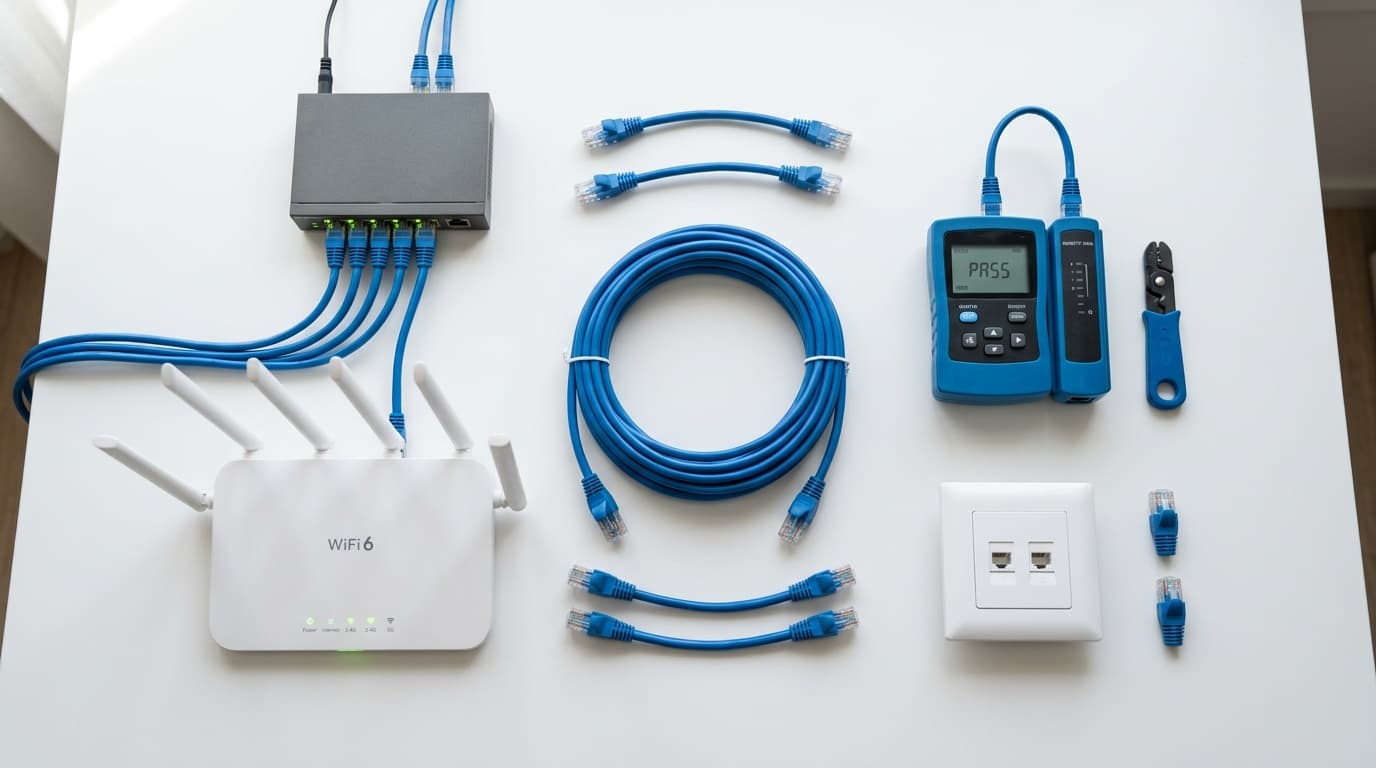
Wi-Fi has come a long way. Wi-Fi 6 routers are faster than ever, and mesh systems promise whole-home coverage. So why are more Orlando homeowners investing in wired ethernet? Because despite the marketing, Wi-Fi still can't match a physical cable for speed, reliability, or consistency — and in Central Florida homes, the gap is bigger than you might think.
The Wi-Fi Problem in Orlando Homes
Orlando's housing landscape creates a perfect storm of Wi-Fi problems. Dense subdivisions mean dozens of competing wireless networks within range of your router, all fighting for the same radio channels. The average Orlando household now has 20 to 30 connected devices — phones, tablets, smart TVs, thermostats, doorbell cameras, voice assistants — and each one competes for bandwidth on your single wireless access point. Concrete block construction, which is standard in most Central Florida homes built before the 2000s, acts as a signal barrier that degrades Wi-Fi performance between rooms. Even newer drywall homes suffer from distance-related signal loss across 2,000+ square-foot floor plans. The result is the experience most Orlando homeowners know well: video calls that freeze, streaming that buffers, smart home devices that disconnect, and dead zones in rooms that are just 30 feet from the router.
When Ethernet Makes Sense
Not everything in your home needs a wired connection. Phones and tablets are inherently wireless, and that's fine. But for any device that sits in one spot and depends on a fast, stable connection, ethernet is the clear winner. Here are the most common use cases we see from Orlando homeowners.
Home office and remote work. If you work from home — and a significant share of Orlando's workforce still does — a wired connection to your desk means video calls that don't freeze, file uploads that don't stall, and VPN connections that stay solid. This is our single most requested residential ethernet run.
Gaming. Competitive online gaming demands low latency. Wi-Fi adds variable delay (jitter) that you can't control. A wired Cat6 connection gives you consistent sub-1ms latency to your local network, which makes a real difference in fast-paced games.
4K and 8K streaming. A single 4K stream needs 25 Mbps of sustained bandwidth. Stack two or three streams across the household and your Wi-Fi starts to choke, especially through walls. Wired connections handle this without breaking a sweat.
Security camera NVRs. If you have a security camera system with a network video recorder, that NVR needs a reliable, high-bandwidth connection to your network. Wi-Fi hiccups mean missed footage. We always recommend a wired connection between your NVR and your router or switch.
Wi-Fi access points. This one surprises people. The single best way to improve your Wi-Fi is to wire your access points with ethernet. More on this below.
Speed Comparison: Wi-Fi 6 vs. Cat6 Ethernet
Wi-Fi 6 routers advertise theoretical speeds up to 9.6 Gbps, but that number is misleading. That's the combined maximum across all frequency bands shared among every connected device. In real-world conditions inside an Orlando home, a single Wi-Fi 6 device typically achieves 300 to 800 Mbps in the same room as the router, dropping to 50 to 200 Mbps through one or two walls. Latency on Wi-Fi averages 5 to 15 milliseconds under good conditions and spikes much higher under load. Cat6 ethernet, by contrast, delivers a dedicated 1 Gbps per device (up to 10 Gbps at distances under 55 meters), with latency consistently under 1 millisecond. There is no signal degradation through walls, no interference from neighboring networks, and no bandwidth sharing. Every device gets the full pipe, every time, regardless of how many other devices are on the network.
| Metric | Wi-Fi 6 (Real-World) | Cat6 Ethernet |
|---|---|---|
| Speed (per device) | 300–800 Mbps (same room) | 1,000 Mbps dedicated |
| Speed (through walls) | 50–200 Mbps | 1,000 Mbps (no change) |
| Latency | 5–15 ms (spikes higher) | <1 ms |
| Interference | Neighbors, microwaves, walls | None |
| Bandwidth sharing | Shared across all devices | Dedicated per device |
The Hidden Benefit: Wired Wi-Fi Access Points
Here's what most people don't realize: the best way to get great Wi-Fi is to run ethernet first.
Mesh Wi-Fi systems like Eero, Google Nest, and Orbi are popular because they promise better coverage. But mesh nodes communicate with each other wirelessly, which means each hop cuts your available bandwidth roughly in half. A mesh satellite in your back bedroom might only deliver a fraction of your internet speed.
The professional alternative is to run Cat6 ethernet cable to two or three ceiling locations throughout your home and mount dedicated wireless access points. Each AP gets a wired backhaul connection at full speed, so your Wi-Fi devices connect to the nearest AP without any bandwidth penalty. This is how commercial buildings, hotels, and offices deliver consistent Wi-Fi — and it works just as well in a house.
We install ethernet to ceiling mounting points, set up PoE (Power over Ethernet) so the access points don't need separate power outlets, and configure everything as a single seamless network. The result is dramatically better wireless coverage than any mesh system can deliver. Learn more about our network cabling services.
Orlando-Specific: Attic Access and Construction Types
One advantage Orlando homeowners have when it comes to ethernet installation is attic accessibility. Newer construction homes — especially those built in communities like Lake Nona, Horizon West, Laureate Park, and the growing subdivisions east of the 417 — typically have open, accessible attic spaces with standard truss construction. This makes cable routing straightforward: we enter the attic, run Cat6 cable above the ceiling to each room location, and drop down through the wall to a clean wall plate. The entire process is faster and less expensive than working in a home with limited attic access. Older Orlando homes, particularly concrete block construction common in neighborhoods closer to downtown, present more of a challenge but are still very doable. We use flex bits and fish tape to route through block walls, and we leverage any available attic space to minimize wall penetrations.
Cat5e vs. Cat6 vs. Cat6a — Which Cable Should You Choose?
If you're investing in ethernet installation, the cable type matters. Here's the breakdown:
| Cable Type | Max Speed | 10 Gbps Distance | Our Take |
|---|---|---|---|
| Cat5e | 1 Gbps | Not supported | Outdated — don't install in 2026 |
| Cat6 | 10 Gbps (55m) / 1 Gbps (100m) | Up to 55 meters | Our recommendation for most homes |
| Cat6a | 10 Gbps (100m) | Full 100 meters | Best for new builds and long runs |
We recommend Cat6 for the vast majority of residential installations. It supports 1 Gbps at full distance and 10 Gbps for runs under 55 meters, which covers most in-home distances. The cost difference between Cat5e and Cat6 is minimal, so there's no reason to install an outdated cable. Cat6a is worth considering if you're pre-wiring a new construction home or running cable to a detached building where the run exceeds 55 meters and you want 10 Gbps capability. For more details on cable types, visit our low voltage installation page.
What a Typical Ethernet Installation Looks Like
If you've never had ethernet installed, here's what to expect when you work with Orlando Home Tech Pro:
- Free consultation. We visit your home, look at your layout, identify where you need ethernet drops, and assess attic access and wall construction. You get a written estimate with no obligation.
- Cable routing. On installation day, we run Cat6 cable from a central location (typically near your router or a designated network closet) through the attic and down through walls to each drop location. All cabling is concealed — no exposed wires.
- Termination. Each cable is terminated with professional-grade keystones and wall plates at the room end, and punched down to a patch panel at the central location.
- Patch panel and switch. For multi-drop installations, we set up a patch panel and network switch so all your runs are organized, labeled, and easy to manage.
- Testing. Every single cable run is tested and verified for proper connectivity before we leave. We also label both ends of every cable for easy identification.
Most residential installations are completed in a single day. A simple 1–2 drop home office setup takes 2–3 hours. Whole-home wiring with 8–16 drops takes a full day.
Ethernet Installation Cost Overview
| Project Scope | Typical Cost | Includes |
|---|---|---|
| Single ethernet run | $150 – $300 | Cat6 cable, wall plates, termination, testing |
| Home office (1–2 runs) | $250 – $500 | Ethernet to desk, clean wall finish |
| Whole-home (8–12 drops) | $1,200 – $2,500 | Patch panel, all runs, testing, labeling |
| Whole-home (16–24 drops) | $2,500 – $5,000 | Patch panel, rack, switch, all runs |
| Wi-Fi AP run (per location) | $150 – $300 | Cat6 to ceiling, PoE ready |
*Prices include labor and materials. Retrofit installs in existing homes cost more than new construction pre-wire due to cable fishing. Concrete block walls add complexity. All estimates are free.
The bottom line: ethernet installation is a one-time investment that lasts decades. The cable itself has no moving parts, doesn't degrade, and doesn't need firmware updates. A Cat6 cable installed today will still be delivering gigabit speeds 20 years from now.
Ready to Wire Your Orlando Home?
Whether you need a single ethernet run to your home office or want to wire every room in the house, Orlando Home Tech Pro handles the entire process — consultation, cable routing, termination, testing, and cleanup. We serve Orlando, Winter Park, Kissimmee, Lake Nona, and the surrounding areas.
Get a free estimate or call us at 407-289-1878 to talk about your project.